One to One
Photoshop Training
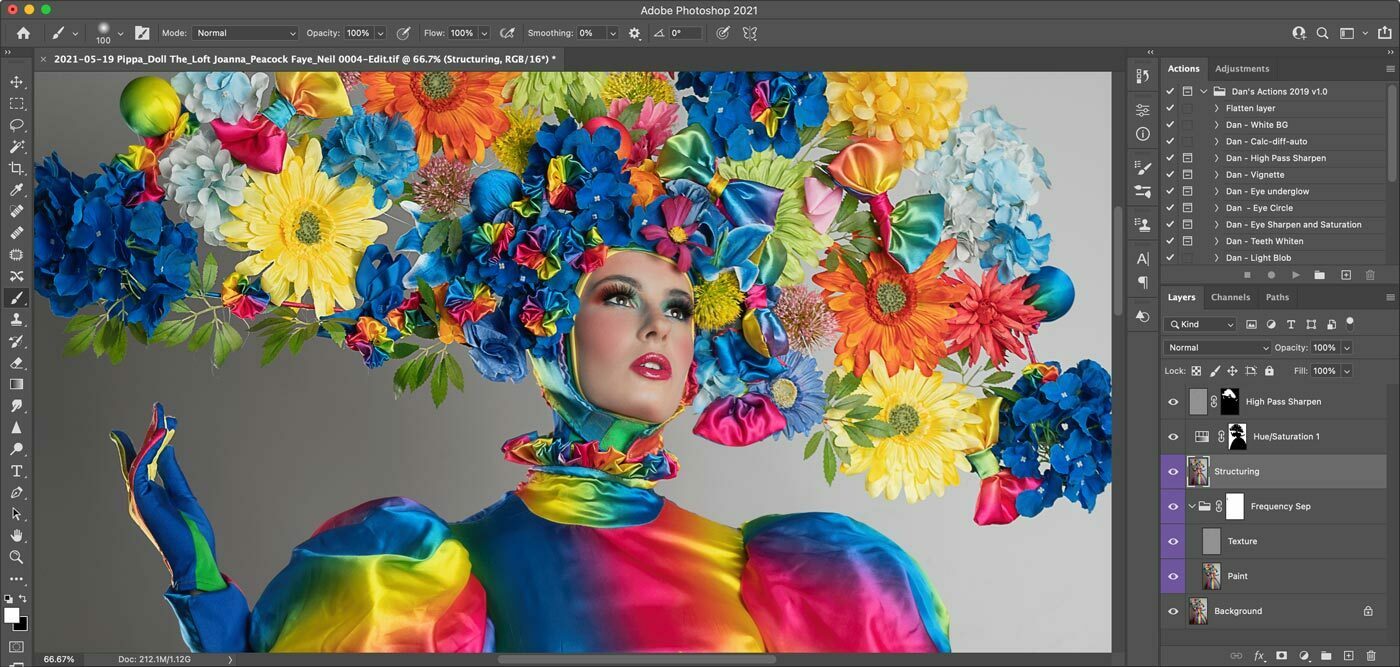
One to One Tuition
Learn Adobe Photoshop with one to one Photoshop training centred around the way you work. With packages for Beginner, Intermediate and Advanced photographers, all designed to establish your skills and get you up and running quickly.
Using either your own images, or a dedicated training set that I'll put together just for you, we will take a structured approach to learning new skills through real world experiences, problem solving and repetition.
Each package also comes with a post-training cheat-sheet to reinforce everything that you have learned, perfect for when you're ready to put your new skills to good use.
Photoshop for Beginners
Photoshop is the industry standard tool for image retouching and can help you to produce incredible results for your images. However, it can also be intimidating for beginners.
In this 4 hour One-To-One Photoshop training lesson we will work through the key skills required to use Photoshop effectively for model photographers. Starting with customising the interface for retouching we'll then work our way through the most important tools for everyday use in Photoshop.
Using either your own images or a dedicated training set provided, you will gain hands-on experience editing and enhancing photographs to produce consistently excellent results.
You will leave with a solid working knowledge of Photoshops key concepts and tool, and how they relate to your work.
- 4 hours One to One Tuition
- Customising the Photoshop interface
- Learn the most most important tools
- Introduction to layers
- Introduction to selections
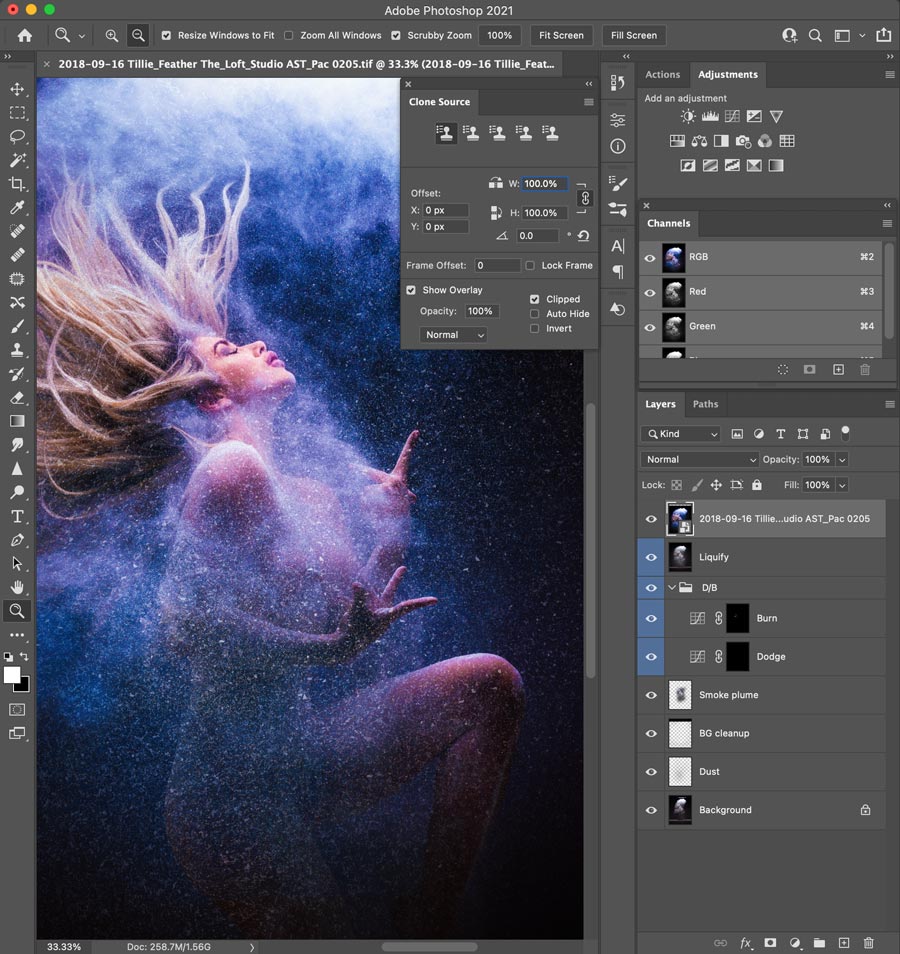
- Using the Clone and Patch tools
- Warping images using the Liquify filter
- Cheatsheet included
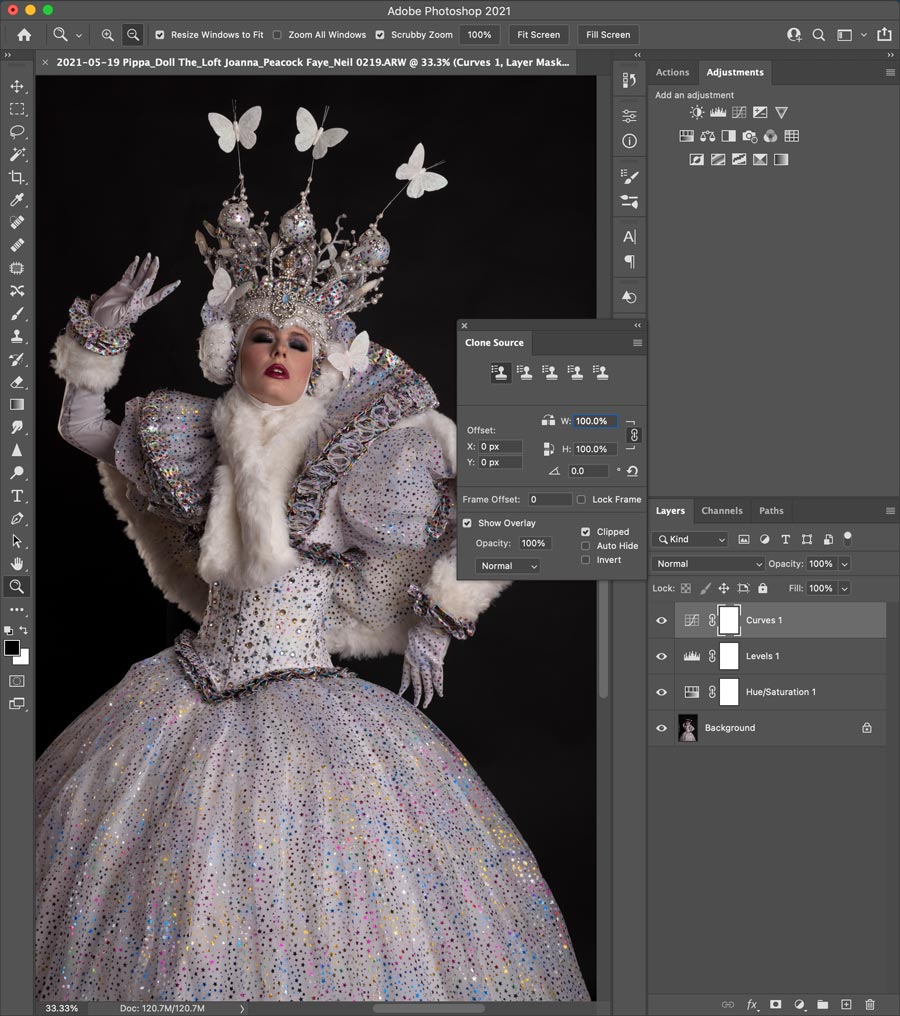
Photoshop Intermediate
Building on the fundamental skills learned in 'Photoshop for Beginners' we'll take a deeper dive into Photoshop training for intermediate photographers. Focusing on established tools including advanced selections, Adjustment layers, masks, layer styles and Actions.
Using either your own images or a dedicated training set, you will gain hands-on experience using Photoshop's tools retouch and enhance a series of image fixing common problems, and using keyboard shortcuts to optimise your workflow.
You will leave with a solid understand of Photoshops's power tools and how they relate to your method of working with images.
- Advanced image selections
- Using image Adjustment Layers
- Using Layer Masks
- Using Actions
- Custom Brushes
- Full hands-on guided tuition
- Cheatsheet included
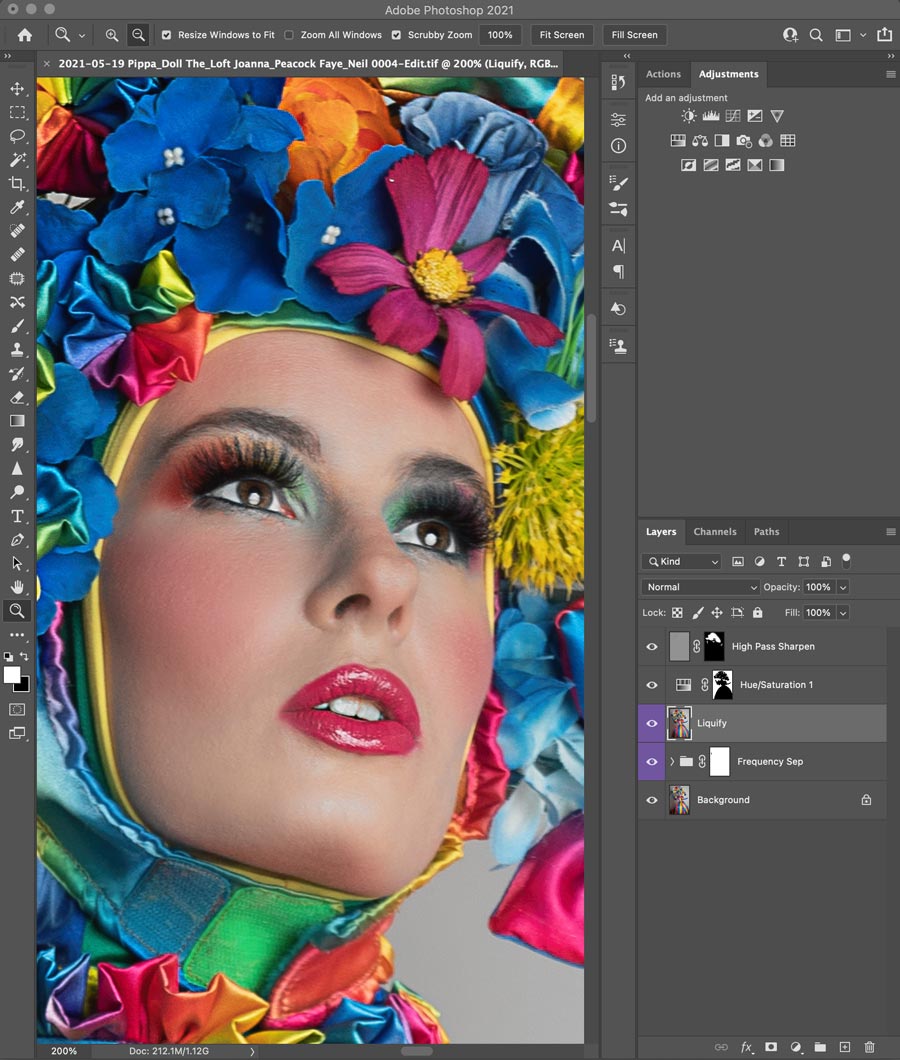
Photoshop Advanced
With a focus on optimising your Photoshop workflow for professional use, you'll learn how edit your images using a structured approach using advanced actions to speed up your editing.
With a foundation based on evaluating and marking up your images before using my advanced retouching actions to edit your images using Frequency Separation, Dodge and Burn, Warping, selective sharpening and custom brushes.
Using a largely non-destructive layer based workflow we'll create optimised Photoshop images that are perfect for colour grading and cropping in Lightroom or CaptureOne.
Using either your own images or a special training set provided, you will gain hands-on experience with Photoshops advanced features with a focus on your the way the you work.
You will leave this Photoshop training session with a solid understand of the advanced feature set for professional photographers, along with a series of cheatsheet's to help you develop your new skills when working solo.
- Non-destructive editing with layers
- Frequency Separation
- Localised warping and Liquify
- Dodge and Burn tools
- Selective sharpening
- Custom brushes
- Full hands-on guided tuition
- Cheatsheet included
Customise & book
If you would like to find out more about Lightroom Training please contact me for info, I'm alway happy to discuss your needs prior to booking.